
Orrerie Merchant
Get paid in crypto, into wallets you control.
Orrerie Merchant lets a business, a freelancer or a project take payments by link, invoice, till, subscription or API, all run from a browser.
Sign-up is by invitation while we open in stages. Free to start.
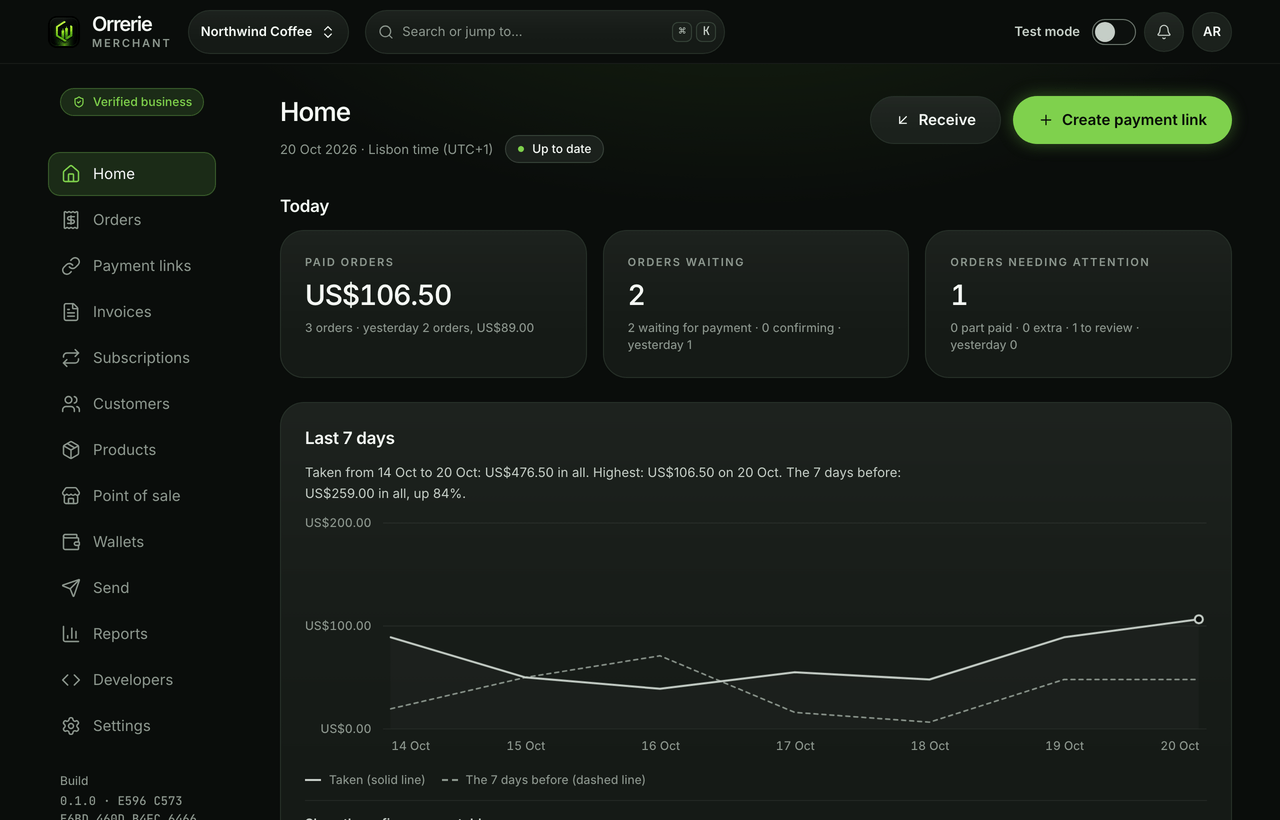

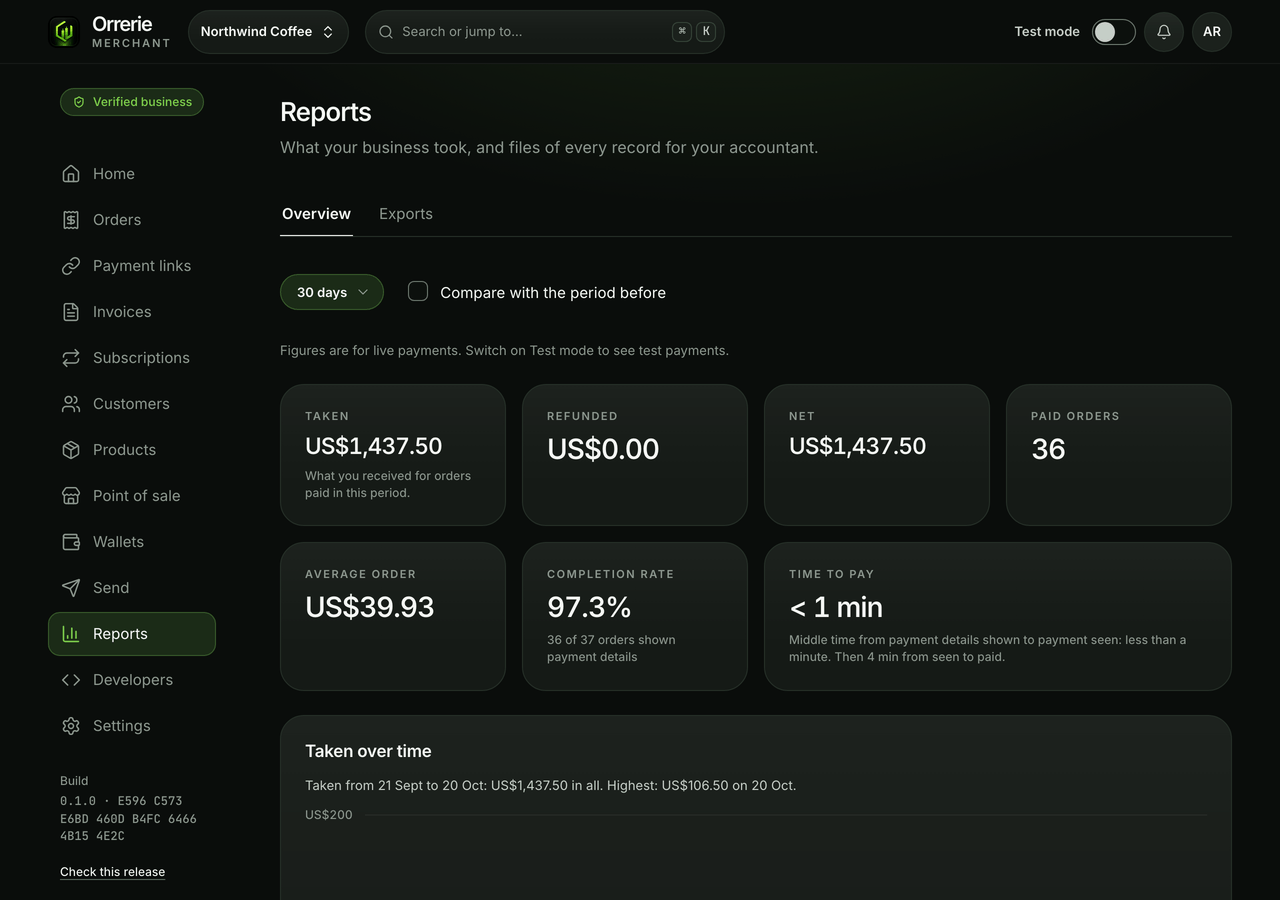
The pictures on this page show the built product with a test business and simulated payments.
At a glance
Your money stays yours, from the first sale.
- 0%Orrerie fee
- 11networks, a wallet on each from one approval
- 2 of 3keys to every active wallet are yours
- 24 hoursbefore a new payout address can be used
How it works
From sign-up to a paid order in four steps.
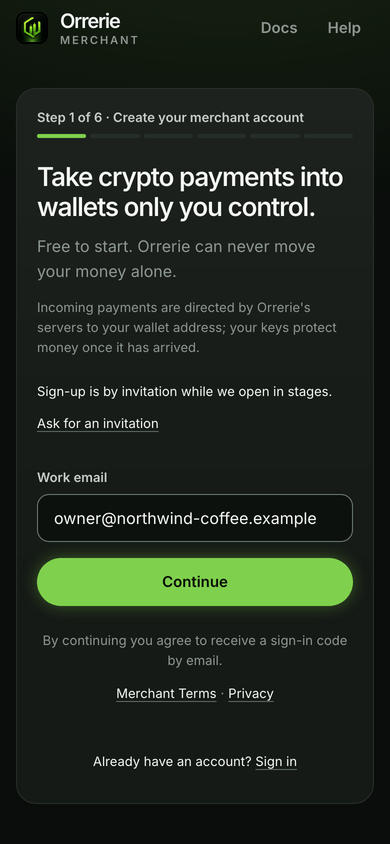
Sign up in your browser
An email, a passkey and a few words about your business: about five minutes, and free.
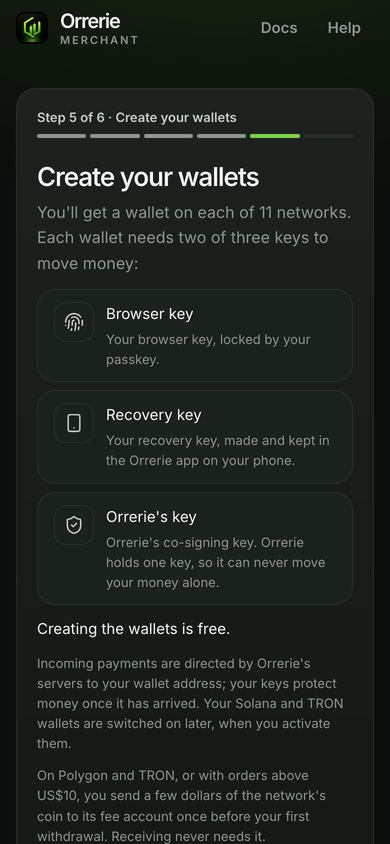
One approval, eleven wallets
Your Orrerie app makes the recovery key, and you save the backup file and pick it again, so it is certain it was saved.
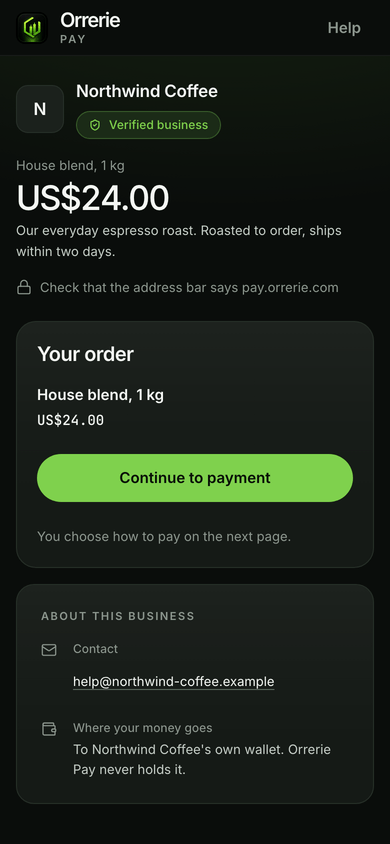
Share a link, an invoice or a till
Every way to sell opens the same checkout for your customer.
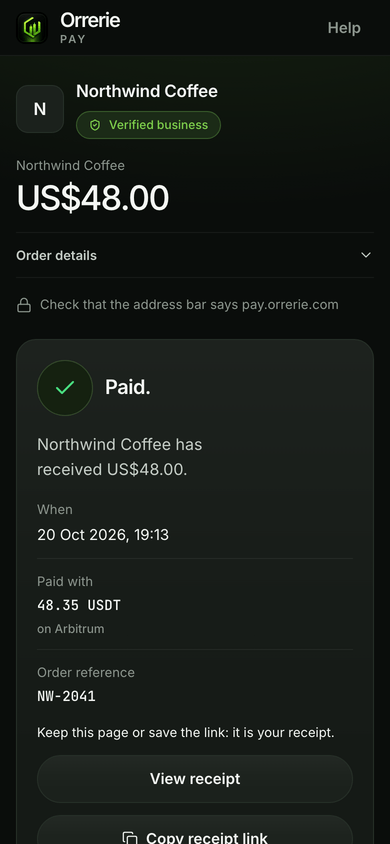
Paid, on your own wallet's proof
An order is Paid only when your wallet shows the money on the network.


Ways to take payments
Every way to get paid opens one checkout.
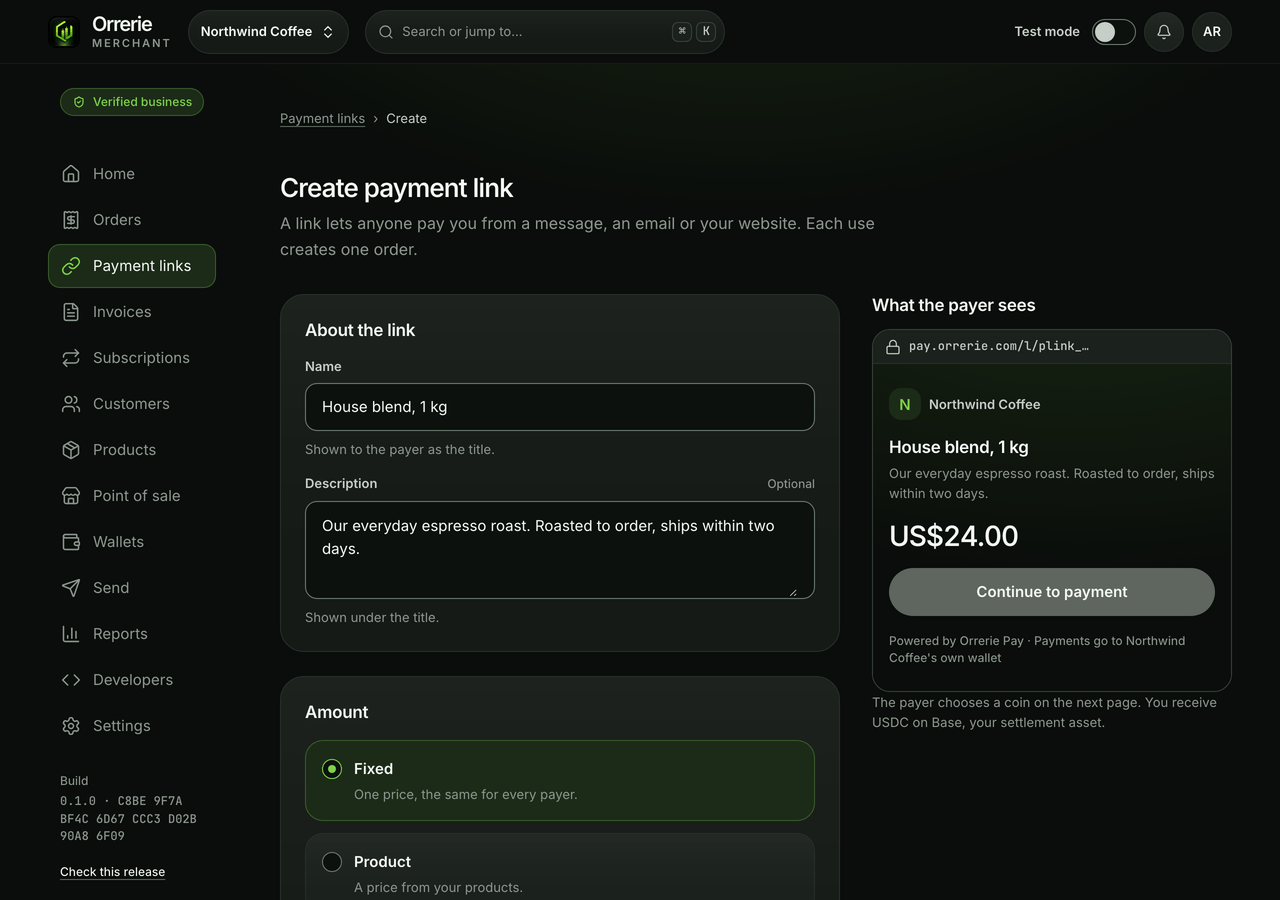
- Payment linksOne link, paid as often as you like.
- InvoicesA numbered bill with tax, a due date and a PDF.
- Point of saleA keypad page for a counter. The device holds no key.
- SubscriptionsOrders your customer pays period by period.
- WooCommerceA plug-in that sends your shop's customers to the checkout.
- ShopifyAn app made for your shop. The buyer pays one step after checkout.
- API and webhooksOrders from your own software, a signed message when paid.
- Pay with OrreriePaid in one approval in the Orrerie app.
Shopify
On Shopify your buyer chooses the manual payment method "Pay with crypto (Orrerie Pay)" at Shopify's checkout, then pays on Orrerie's checkout one step later, and the app marks the Shopify order paid once Orrerie confirms the payment. The app is made for your shop alone and is not in the Shopify App Store.
01 · Your money
Orrerie can never move your money alone.
Every wallet needs two of three keys once it is active (Solana and TRON from when you switch them on), and two are yours: the key in your browser and the recovery key your Orrerie app makes and keeps.
- With your browser key backup and your Orrerie app's backup words, the free recovery tool moves your money even if Orrerie no longer exists, apart from one exception for now on Bitcoin, Litecoin and Dogecoin.
- Sign-up checks that the backup was really saved and that your Orrerie app made the recovery key.
Incoming payments are directed by Orrerie's servers to your wallet address; your keys protect money once it has arrived. Three things to know

02 · Money in
No gas money to get paid. Nothing to sweep.
A payment Relay routes lands in one wallet, already converted to the coin you keep, normally USDC on Base. Litecoin, Dogecoin and any other coin paid straight to your wallet arrive as they were paid.
Sending money out needs a little of the network's own coin on eight networks, and your Solana and TRON wallets must be switched on by you before use (a fraction of a US dollar on Solana, 100 TRX plus about 1 TRX on TRON).
03 · Your customers
Paid from any wallet, or with one approval in Orrerie.
- Any wallet pays by QR code and address.
- The Orrerie app pays with one approval, from whatever coin it holds.
- Relay converts on the way into the coin you keep.
The Orrerie app is in Google Play for Android, and invite-only on iPhone, not yet in the App Store.

04 · Even after a break-in
A stolen session cannot empty a wallet.
A thief with your laptop and your signed-in session still cannot send your money anywhere new, or change who holds its keys in a hurry.
- Withdrawals and payouts go only to addresses you saved.
- A new address waits 24 hours while every owner is emailed.

05 · No surprises
When something cannot happen, it says why.
Every state of an order, a payment and a payout says what happened in plain words, and what you can still do.
- An order is Paid only when your own wallet shows the money.
- A refused payout names its reason and says your money has not moved.
- Nothing quietly switches to another way of paying.

Said plainly
Three things to know before you sign up.
They are limits of how this product works. Sign-up says the second one again.
A business in a browser is less protected than a user of the phone app.
For a few seconds per payout, your key is in a web page that Orrerie's server sends. Someone who controlled that page and Orrerie's co-signer at the same time could take the money of every merchant who approved something while it lasted. Your saved addresses, waits and daily limits hold against either one alone.
Before a payment arrives, Orrerie's servers decide where it is sent.
Your keys protect money once it is in your wallet, not before.
While a payment is being converted it is with Relay, a separate company.
That lasts seconds to minutes. Orrerie never holds it. Litecoin and Dogecoin arrive unconverted.
Pricing
Keep every dollar you charge.
Orrerie fee
0%
Any change is announced 30 days ahead.
The network and Relay's route cost are shown to the payer on their own line, and by default you receive your price in full.

Networks
A wallet on each of eleven networks.
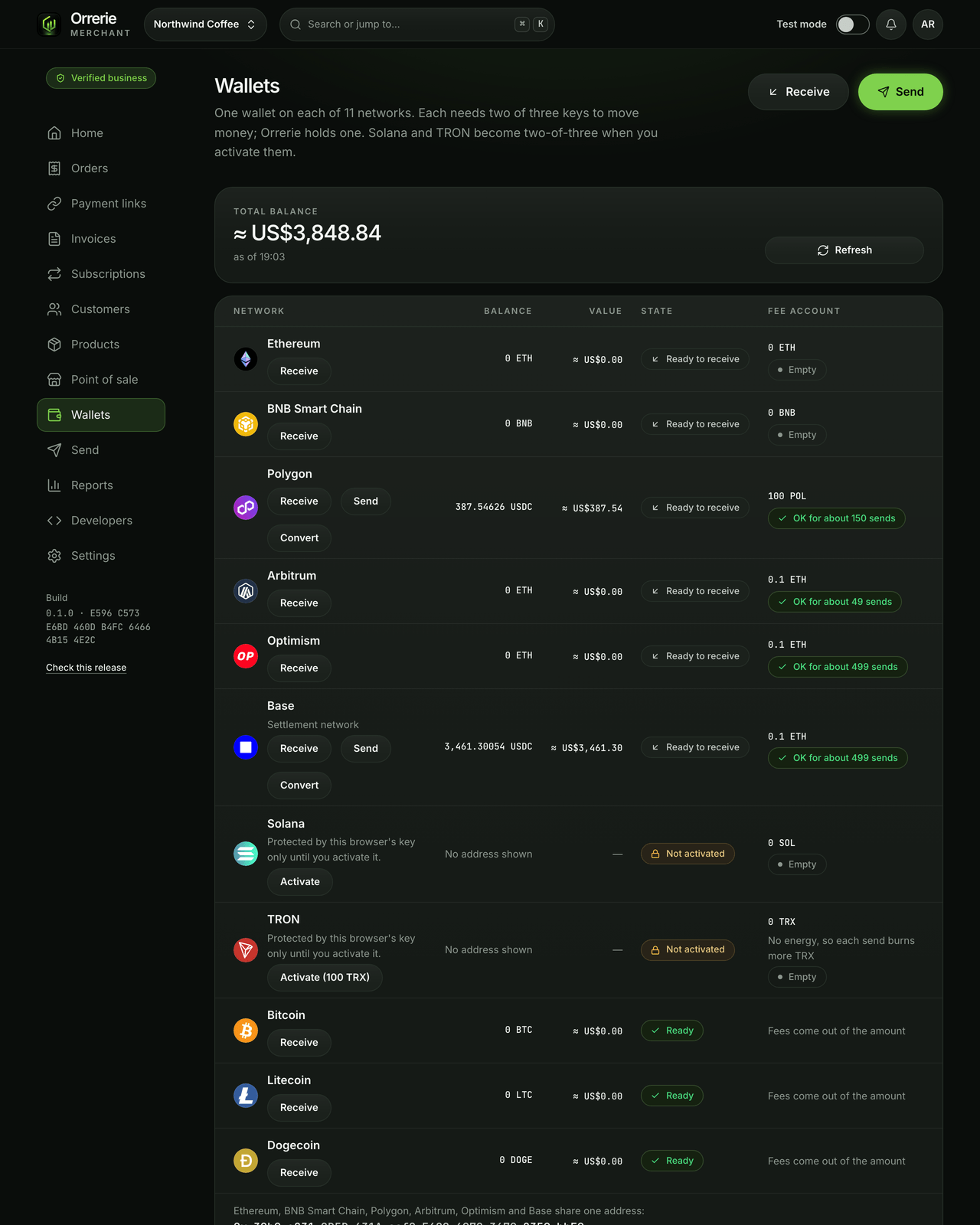
 EthereumETH · USDT · USDCReady to receive
 BNB Smart ChainBNB · USDT · USDCReady to receive
 PolygonUSDT · USDC · POLReady to receive
 ArbitrumETH · USDT · USDCReady to receive
 OptimismETH · USDT · USDCReady to receive
 BaseETH · USDCReady to receive
 SolanaSOL · USDTNot activated
 TRONUSDT · TRXNot activated
 BitcoinBTCReady to receive
 LitecoinLTCArrives unconverted
 DogecoinDOGEArrives unconverted
For developers
An API that brings money in and can never send it out.
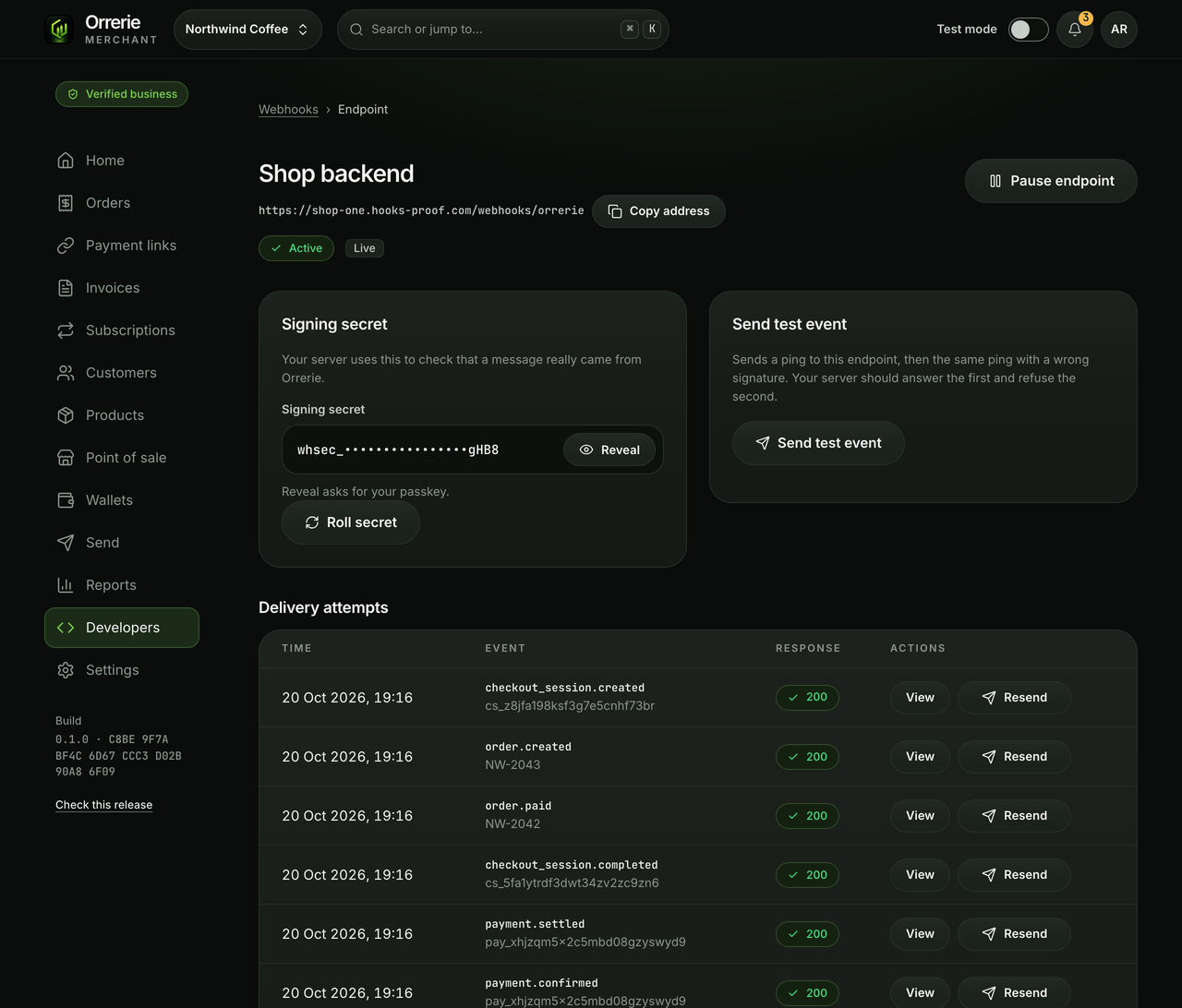
Orders, sessions, links, invoices and subscriptions through the API, and a signed message to your server when an order is paid. An API key holds no wallet key, so no call can move money.
- Idempotency keys on every call that creates something, so a retry never creates it twice.
- An endpoint that keeps failing is marked Failing.
- Test secret keys start with sk_test_ and reach test data only.
Around the money
Everything a business runs on.
See and move your money
Balances on eleven networks, every send approved with your passkey.
Money outRun the business
Customers, receipts, exports, a ledger and seven staff roles.
How it worksGrow your limits
Start at once; a business check raises them to US$50,000 an order.
Every limit
Ask for your merchant account.
Sign-up is by invitation while we open in stages. Free to start.