
Payment links
A link anyone can pay, from any wallet.
Share it in a message, an email or as a QR code. Each use is one order, paid into your own wallet.
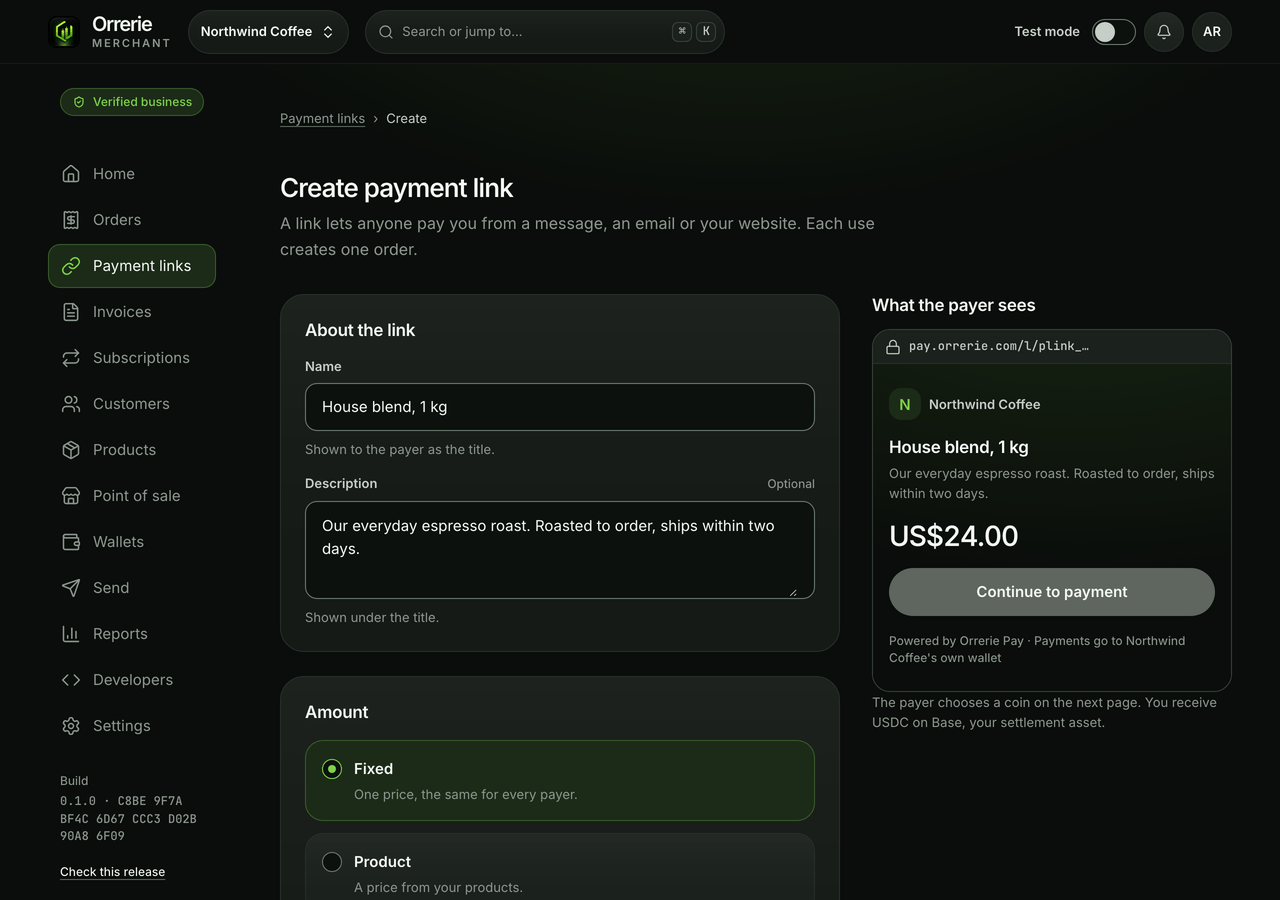
The pictures on this page show the built product with a test business and simulated payments.
Make it once
Set it up in a minute. Share it anywhere.
A link lives at pay.orrerie.com. When it is made you can copy it, download its QR code or put a button for it on your website.
- A fixed price, one of your products, or an amount the customer chooses.
- A name or a delivery address asked of the payer.
- A limit of uses or a closing date, then a thank-you page or your own site.
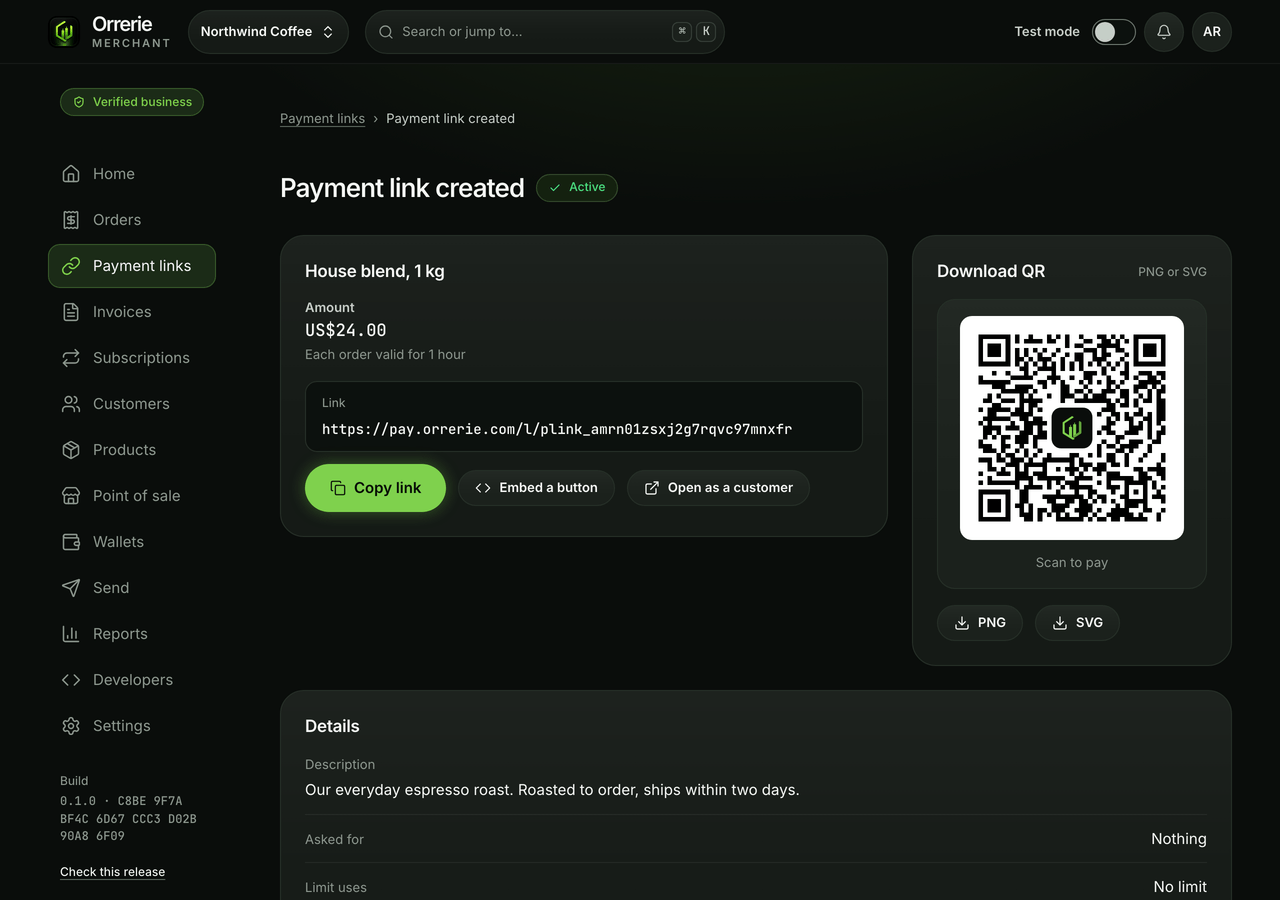
What the payer sees
Your name, the price and one button.
Continue to payment makes the order and opens the checkout. The amount and the wallet it is paid to are set by Orrerie's server, never by the payer's browser.
- The page shows your business's name, the link's name and description, and its price.
- A paused link says it is paused.
- A link past its limit or closing date says it is closed.

On your website
A plain link, or a pay button.
The simplest form is an ordinary link. A button script is offered too.
- A plain link works in an email, a PDF, a QR code and with JavaScript switched off.
- Either way the checkout opens as a page of its own, never inside a frame on your site.
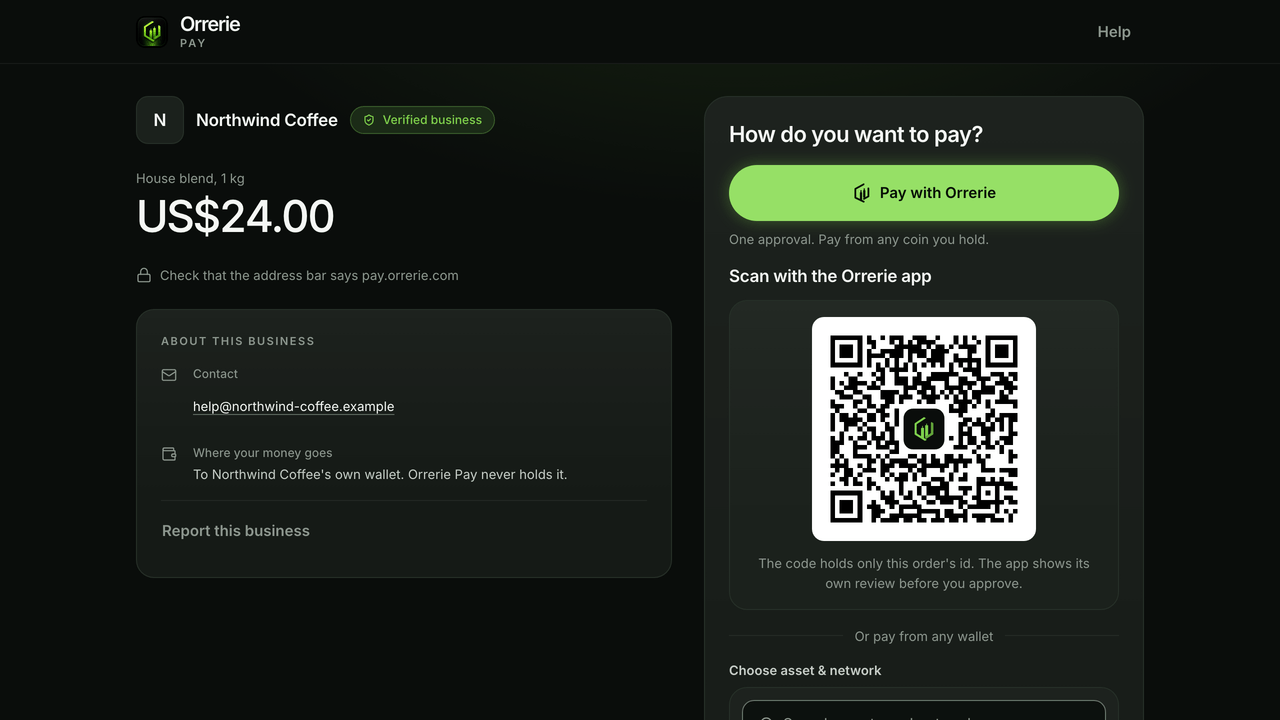
- Pay with Orrerie is the first button on it.
Good to know
Every visitor gets their own order and timer.
- Each use is an order of its own in the dashboard, marked Paid once your wallet shows the money.
- A chosen amount is at least US$1.00 and at most your limit for one order: US$1,000, or US$50,000 after the business check.
- An order from a public link that is never given payment details expires after 15 minutes, so strangers cannot fill your open orders.

Make your first link in test mode.
Test mode shows the payer's page and every payment state with no real money.