
WooCommerce
Take crypto in your WooCommerce shop, into your own wallet.
A plug-in that adds Orrerie Pay as a payment method. Your customer pays on the Orrerie checkout and returns to your shop.

The pictures on this page show the built product with a test business and simulated payments.
Set it up
Install it, paste a key, run a test order.
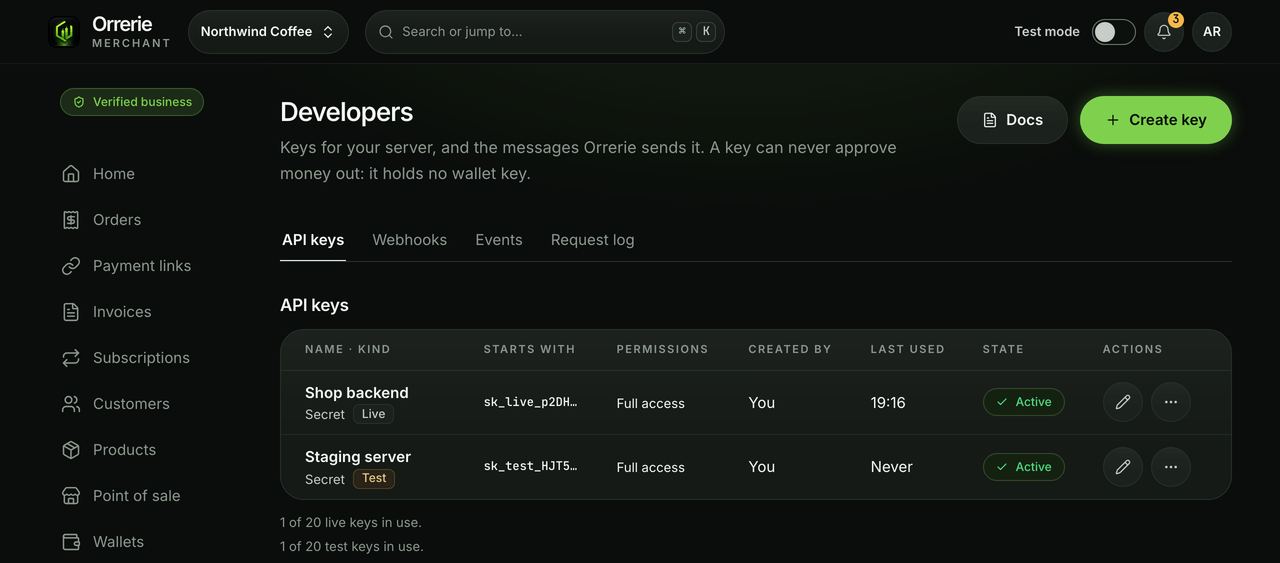
Make a restricted key under Developers in the dashboard, install the plug-in, and paste the key in WooCommerce › Settings › Payments. With a test key the plug-in adds your shop's test webhook by itself.
- A Mode setting switches between test and live, each with its own key.
- A live webhook is added in the dashboard with a passkey; you paste its signing secret into the plug-in.
- You choose how long a buyer has to pay, and whether a paid order becomes Processing or Completed.
How an order goes
From the basket to a paid order.
The plug-in makes a checkout session for the order total in your shop's currency, with your order number as its reference, and sends the customer to it. No payment field is drawn inside your shop.
- A signed webhook tells your shop when the order is paid.
- The plug-in reads the order back from Orrerie before it changes anything.
- Classic and block checkout are both covered.

Refunds
A refund from WooCommerce is a request.
Pressing Refund in WooCommerce asks Orrerie Merchant for the refund. An Owner or Finance member approves it in the dashboard with a passkey; the plug-in cannot send money by itself.
- WooCommerce Subscriptions is not supported in this release: it needs a payment method that charges again by itself, which a payment from the customer's own wallet cannot.
- A shop currency Orrerie does not price in hides Orrerie Pay and says why.

Connect your shop in test mode.
A test key lets you run an order end to end with no real money.