
How it works
From a passkey to a paid order, step by step.
Seven steps, in the order they happen, each with the screen you will see.

The pictures on this page show the built product with a test business and simulated payments.
Step 1: Sign up in a browser with a passkey.
Sign-up is six short steps and takes about five minutes: give your email address and prove it with a six-digit code, make a passkey, describe the business, create the wallets, and choose the coin your takings are kept in. Nothing costs money.
A passkey is the fingerprint, face or security-key sign-in built into browsers. Where a passkey cannot lock a wallet key, you choose a wallet password as well; it is strengthened by a secret that stays in your browser.
- The dashboard runs in your browser; your recovery key is made in the Orrerie app on your phone, in step 2.
- No card or payment details asked.

Step 2: One approval makes eleven wallets, the Orrerie app makes the recovery key, and the backup is saved.
One approval sets up a wallet on each of the eleven networks; one that needs deploying on its network is deployed when it is first needed.
- A recovery key, made and kept by the Orrerie app on your phone from a one-time code.
- A backup of your browser key, locked by a password you choose.
- You pick the backup again after the download, so it is certain it was saved, and the app confirms its key; both come before the first real payment.

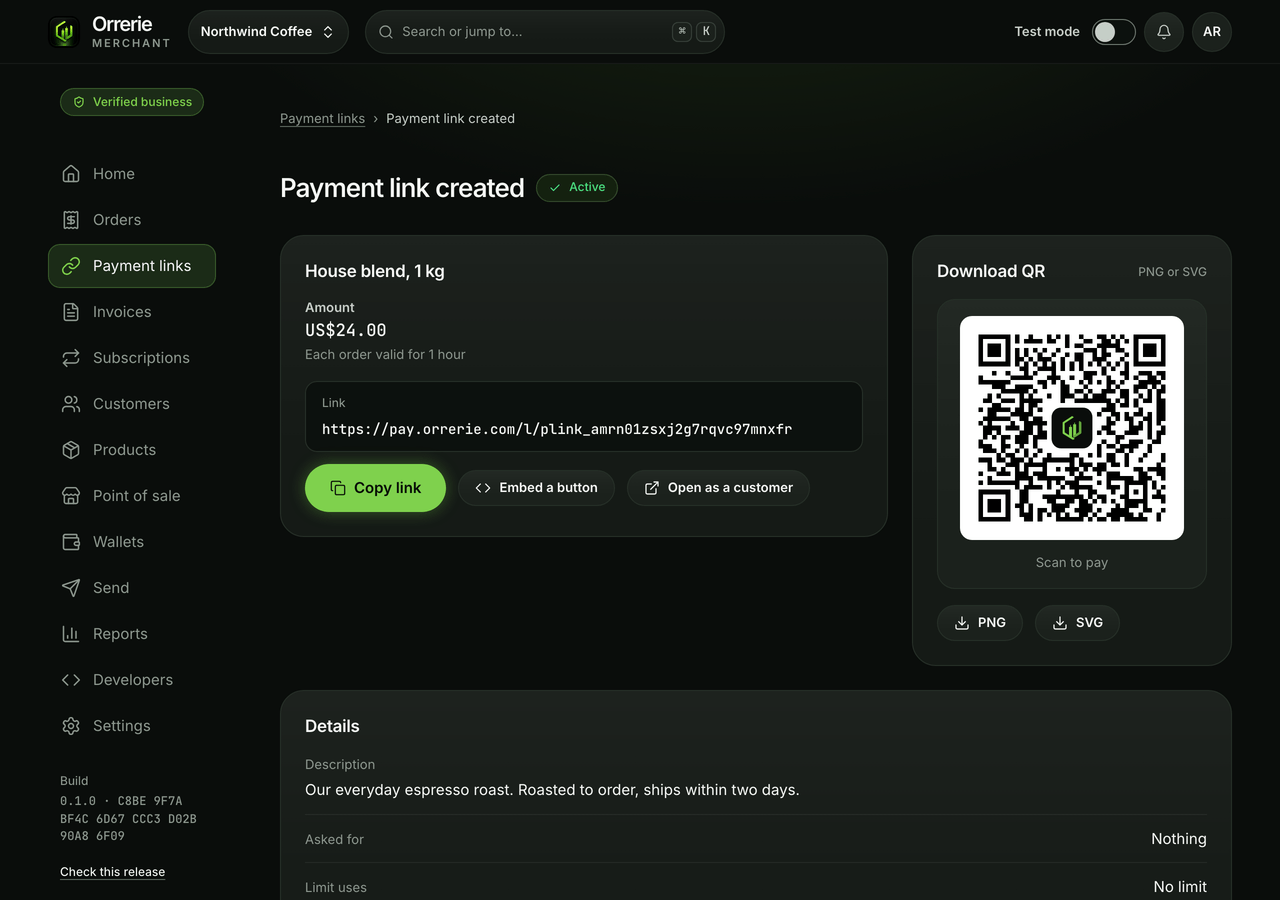
Step 3: Ask to be paid: a link, an invoice, a sale or an API order.
Every way of asking for money creates exactly one order, with a price and a time by which it must be paid, and every order is paid on the same checkout page.
Payment linksInvoicesPoint of saleSubscriptionsWooCommerceAPI and webhooks
Step 4: The payer pays with Orrerie or from any wallet.
Your customer taps Pay with Orrerie, which opens the Orrerie app with the order filled in, or picks a coin and a network and pays from any wallet by QR code and address.
- Payment details are shown for 15 minutes.
- With JavaScript switched off the checkout shows no address at all: never one without Orrerie's encrypted, checked answer.

Step 5: Relay converts and delivers into your own wallet.
By default the payer is shown a one-order deposit address from Relay, an outside routing service, which delivers straight into your own wallet in the coin you keep, normally USDC on Base.
While a payment is being routed it is held by Relay, a separate company. Orrerie never holds it.
- Litecoin, Dogecoin, POL and TRX are paid straight to your own wallet.
- If Relay is down or refuses, the payer is told why and chooses again. Nothing switches by itself.
Sending money out needs a little of the network's own coin on eight networks, and your Solana and TRON wallets must be switched on by you before use (a fraction of a US dollar on Solana, 100 TRX plus about 1 TRX on TRON).

Step 6: Paid only on your own wallet's chain proof.
An order becomes Paid when your own wallet's read of the network shows the money, with the confirmations that network needs. A provider's word, a webhook or a browser's claim is only a hint.
- Seen but not confirmed is shown as seen, never as Paid.
- Bitcoin, Litecoin and Dogecoin need at least one confirmation.

Step 7: Money out, by passkey, to saved addresses.
Withdrawals, payouts, refunds and conversions are each approved by you with a fresh passkey signature. Withdrawals and payouts go only to an address on your saved list, and a new address waits 24 hours while every owner is emailed; a refund can also go to the address your customer gives through the order's claim link, and a conversion stays in your own wallet.
- Withdrawals to your own saved addresses are never limited by your tier.
- Your own safety limit applies instead: by default US$10,000 in any 24 hours, US$100,000 after the business check.
- Lowering it is immediate; raising it takes 24 hours.

Start with a test order.
Test mode uses simulated payments, so you can see every state before any real money moves.